Own your context
Keep long-term knowledge in plain markdown files on disk, not trapped in a proprietary app or locked behind a tool.
Mantle is a local-first Markdown editor for macOS. Keep specs, notes, and AI agent context readable, organized, and fully yours in plain files on disk.
 Download for macOS
Local-first. No account required for the core workspace.
 Claude Code
 Cursor
 Codex
 OpenClaw
 OpenCode
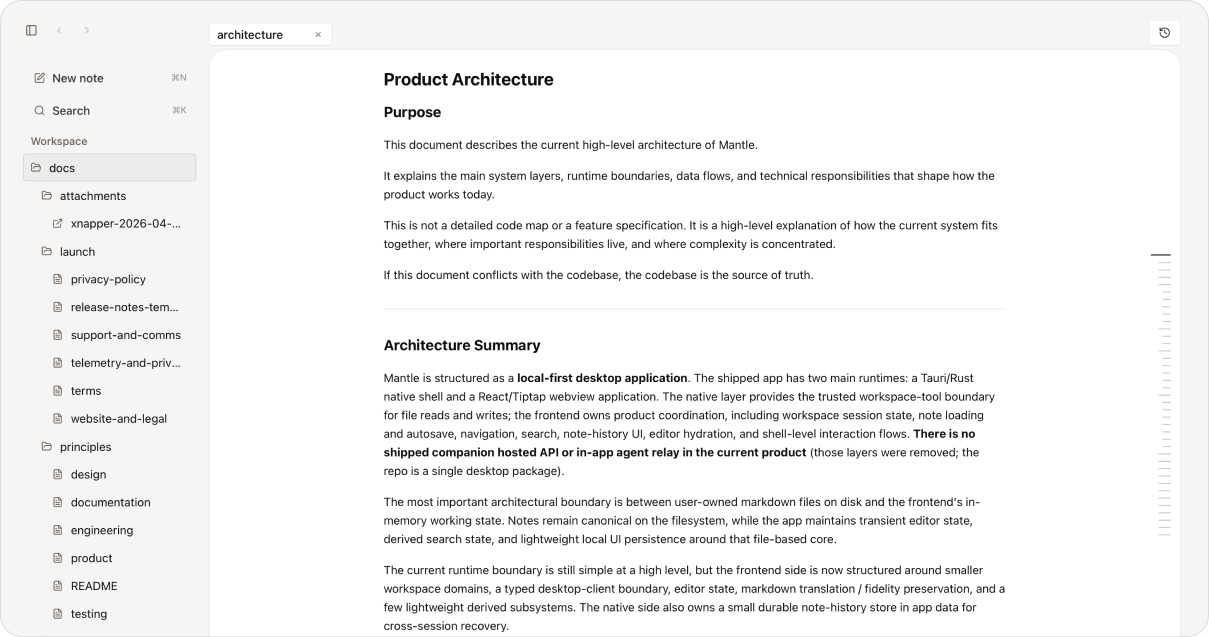
Keep the files behind your work usable across tools, over time, and on your terms.
Keep long-term knowledge in plain markdown files on disk, not trapped in a proprietary app or locked behind a tool.
Specs, notes, and plans should stay clean, legible, and easy to maintain as they get reused across tools and workflows.
History, recovery, and honest handling of external changes help your context stay trustworthy over time.
From specs and engineering docs to CLAUDE.md, meeting notes, and everything in between.
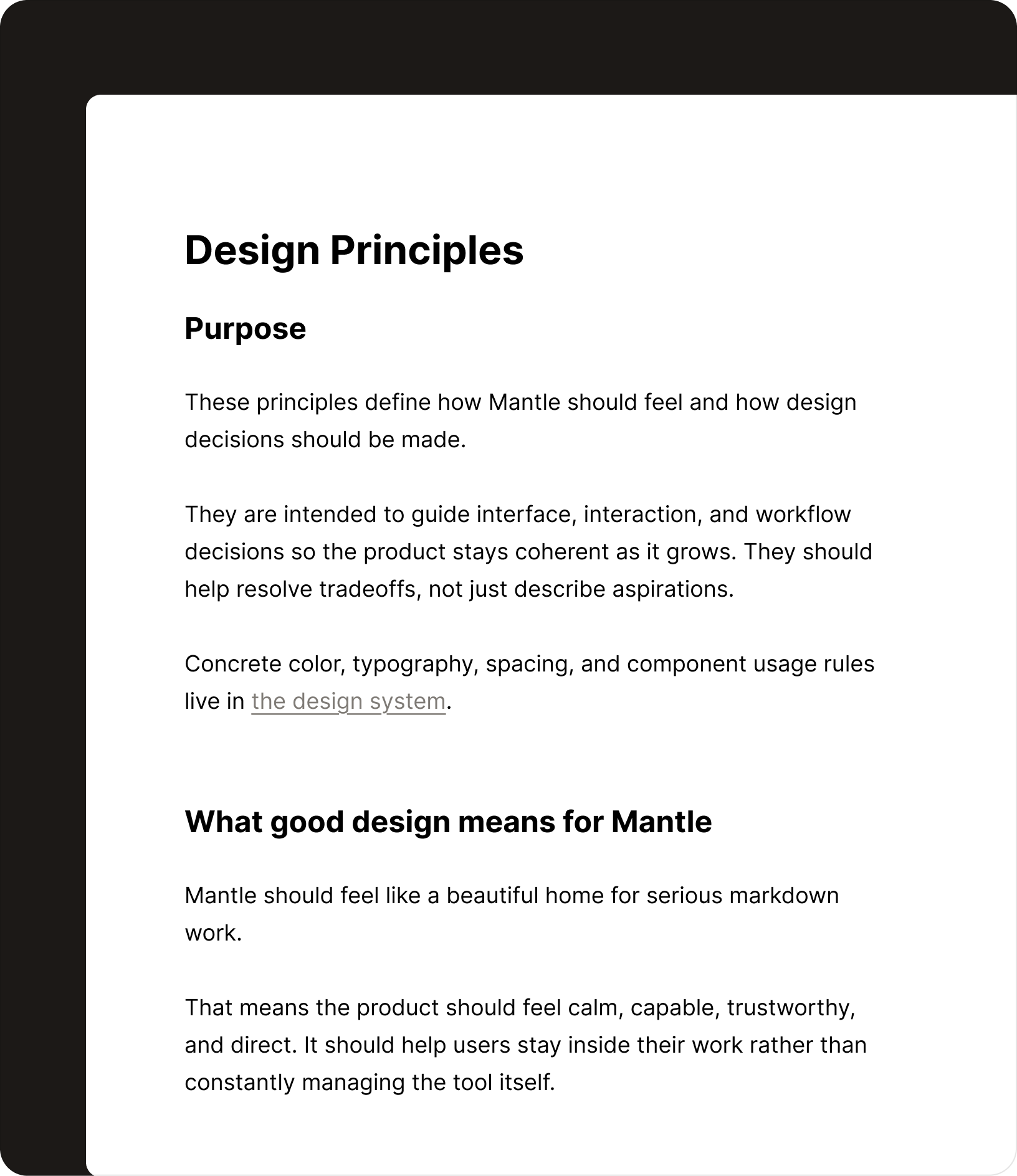
Requirements, feature briefs, and decisions that need to stay readable and current across teams.
System designs, ADRs, and technical references that need to stay legible beyond any single sprint.
Files like CLAUDE.md, project conventions, and markdown context that help agents work the right way.
Meeting notes, status logs, and accumulated knowledge that keep a project coherent over time.
Plain markdown and agent agnostic.
No proprietary format. No lock-in. Nothing between you and your files.
Mantle is a local-first Markdown editor for macOS, built for developers who keep specs, technical docs, notes, and AI agent instructions alongside code. Open a local folder and edit its Markdown files directly, with autosave and note history.
Your notes stay as plain Markdown files in the local folder you open. Mantle saves edits back to those files, so you can keep using them in your editor, terminal, and other tools. App telemetry excludes note content, filenames, and workspace paths. See the privacy policy for details.
Yes. Mantle edits plain Markdown files such as CLAUDE.md, AGENTS.md, specs, and project notes that you can also use with AI coding tools. Compatibility comes from shared files on disk; Mantle does not need a dedicated agent integration.
No account is required for the core local workspace. Open a folder on your Mac and work directly with your files.
Mantle is currently offered as a free local-first desktop app. Paid plans or features may be introduced later, as described in the terms.
The current download is for Apple Silicon Macs running macOS Tahoe 26 or later. Mantle is distributed as a signed, notarized DMG, with in-app updates. Windows and Linux downloads are not currently offered.
Local-first, plain markdown, and built for the files your work depends on.
Download for macOS
Local-first. No account required for the core workspace.